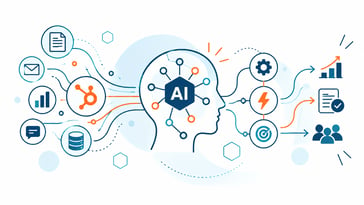
HubSpot Growth Context and Context Home: Why Context Matters for AI and Agents
HubSpot calls the foundation behind its AI strategy Growth Context: the understanding HubSpot builds about your customers, your team and your business...


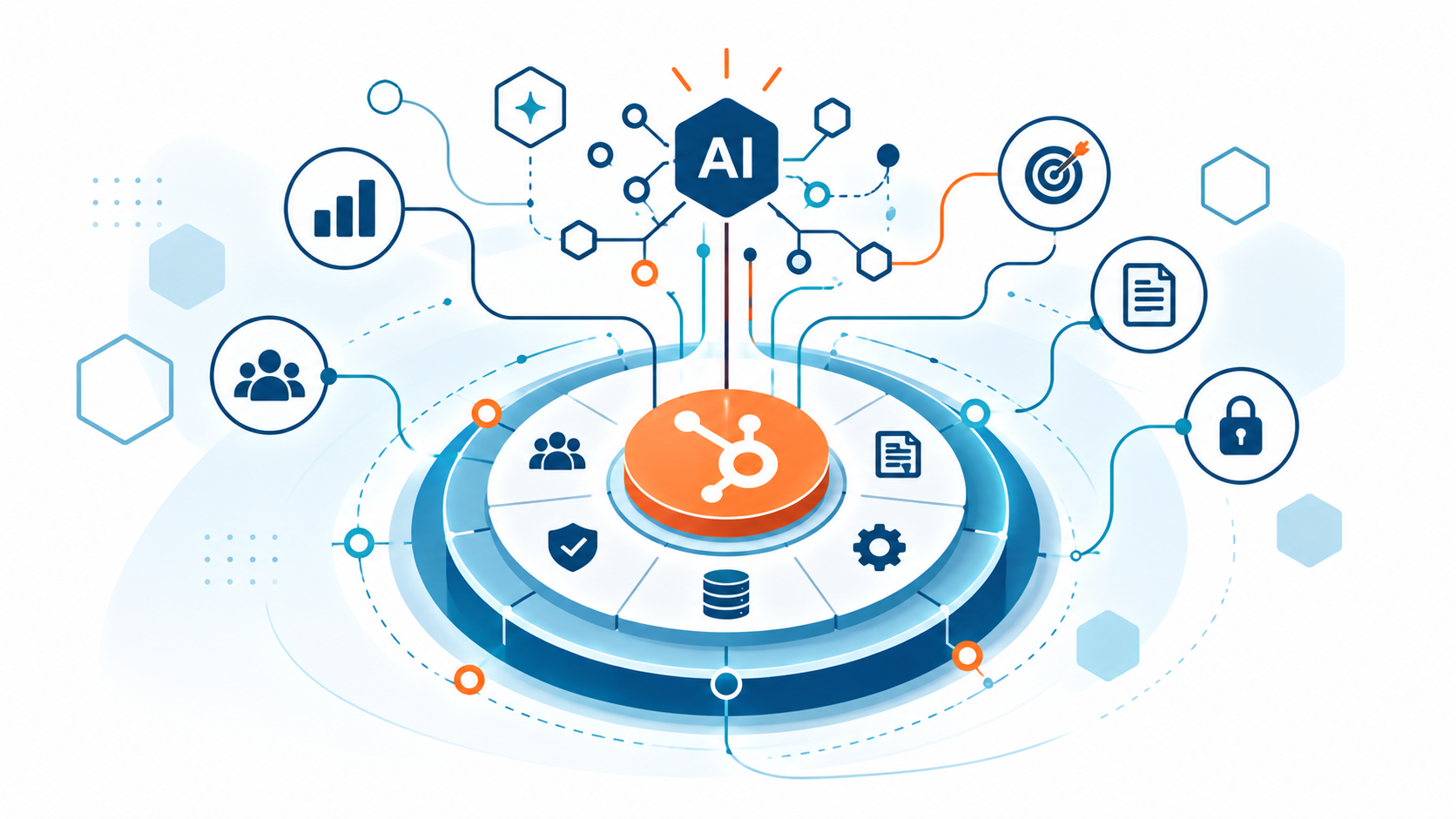
HubSpot Agent Builder lets teams create custom AI agents around their CRM data, knowledge and business processes.
That makes it easier to move from “we should automate this” to something a team can actually build and test.
But after spending time working through Agent Builder as part of our Fall Spotlight 2026 deep dive and participating in HubSpot's post-Spotlight Agent Builder workshop, my biggest takeaway isn't how easy it is to create an agent.
It's how important it is to decide when you actually need one.
Not every automation should become an AI agent. Sometimes a HubSpot workflow is the better solution. Sometimes a custom-coded workflow action is enough. And sometimes the work genuinely requires the reasoning, context and flexibility that an agent can provide.
The goal shouldn't be to build more agents. It should be to choose the right architecture for the outcome you're trying to achieve.
An agent is useful when it can work toward a defined outcome using context, data and permitted tools rather than simply returning a one-off answer.
An agent might research CRM records, evaluate a deal, classify a request, prepare a summary, recommend a next action, update CRM data or participate in a larger automated process.
The exact behavior depends on the instructions you give it, the knowledge and context available to it, the inputs it receives and the actions it is permitted to take.
Agent Builder brings together four important pieces: instructions, actions, knowledge and inputs.
Instructions define what the agent is responsible for. In HubSpot's workshop, we worked with a Role, Goal, Method and Output structure to define the job clearly.
Actions determine what the agent is allowed to do. That might include reading HubSpot CRM records, writing to specific properties or using connected tools and systems.
Knowledge gives the agent the business-specific information it needs to make better decisions. This could include internal documentation, sales methodologies, playbooks or other approved business context.
Inputs provide information that can vary each time the agent runs.
Breeze Assistant can also help create the initial specification from a plain-language description, giving teams a starting point they can refine instead of beginning with a blank canvas.
HubSpot's workshop emphasized that agents should be deliberately scoped and grounded in the company's actual processes rather than relying on generic judgment.
This may be the most important question to ask before opening Agent Builder.
Traditional HubSpot workflows are still a better fit when the logic is predictable and the rules can be clearly defined. If a more complex task can be handled reliably with a custom-coded workflow action, that may also be the better architecture.
For example, you probably don't need an agent to do this:
If a deal has had no activity for 14 days, create a task for the deal owner.
That's deterministic. A workflow can handle it.
Now consider this:
Review the deal's stage, recent activity, buyer engagement, close date and our sales methodology. Determine whether the deal appears to be at risk, explain why and recommend the next best action.
That requires interpretation and judgment.
That's where an agent starts to make more sense.
There's also a practical cost consideration. Agent runs consume HubSpot Credits. Using workflows and traditional automation for predictable tasks while reserving AI for the steps that actually require reasoning can help control credit consumption.
Use deterministic automation for deterministic work. Use agents where reasoning adds value.
It doesn't have to be agents or workflows. In many cases, the best architecture uses both.
One of the most useful concepts from HubSpot's workshop was combining deterministic guardrails with agentic reasoning.
A process might look like:
Trigger → Agent Step → Branching → Downstream Action → Fallback
The workflow controls when the process starts. The agent handles the portion that requires reasoning. Branching evaluates the result. Traditional automation handles predictable downstream actions. And a fallback catches exceptions or cases where the agent isn't confident enough to continue.
HubSpot's workshop specifically presented this architecture as a way to combine structured, predictable automation with contextual AI reasoning.
That can be much smarter than asking an agent to perform every step of a process.
During HubSpot's Agent Builder workshop, we worked through a Pipeline Inspector agent designed to identify open deals that may be stalling.
The agent could evaluate factors such as deal stage, time in stage, close-date proximity, recent activity and engagement. Its output included a risk grade, supporting rationale and recommended next action.
But the interesting part wasn't simply that AI could assign a risk grade.
The agent could also be grounded in the company's own qualification framework and deal-stage criteria. That means the evaluation can reflect how that business actually sells instead of relying entirely on generic assumptions.
.png?width=3652&height=2064&name=image%20(9).png)
Inside HubSpot Agent Builder: actions, knowledge, inputs and instructions can be configured around a specific business responsibility.
Determine whether the task requires reasoning, interpretation or flexible use of context. If a workflow or custom-coded workflow action can handle the requirement reliably, that may be simpler and more cost-efficient.
“Help sales” is not an agent definition.
Define the specific result the agent is responsible for producing.
Identify the records, properties, documents, knowledge and business definitions required to make a good decision.
Separate reading and recommending from creating, updating, sending or changing data.
Give the agent only the access it actually needs.
Define which decisions require review, approval or escalation.
Autonomy doesn't have to be all or nothing.
An agent connected to incomplete or inconsistent data can still produce confident-looking output.
Define what should happen when required information is missing, contradictory or unreliable.
Decide what success looks like before scaling: accuracy, time saved, adoption, completion rate, exception rate or another business outcome.
Building the agent is only part of the job. Someone also needs to maintain the context it depends on.
One useful point discussed during HubSpot's workshop Q&A was that removing a source from the agent's Knowledge Vault removes that source from the context available to the agent. You're managing what information the agent can use rather than retraining an AI model.
Another point discussed during the workshop Q&A was using a maintained source, such as a Google Doc, for information that changes frequently. Instead of repeatedly replacing a static document in the agent, the team can maintain the source of truth the agent references.
That introduces another important implementation question:
Who owns the information, where should the source of truth live and how will it stay current?
The better the agent becomes at using business context, the more important context governance becomes.
Another takeaway from the workshop was the importance of testing agents against real work before scaling them.
For the Pipeline Inspector example, HubSpot recommended running the agent against real deals and comparing its assessment with what experienced team members would have concluded.
Don't just ask whether the agent produced an answer.
Ask whether it used the right information, followed the expected methodology, reached a reasonable conclusion and handled uncertainty appropriately.
HubSpot's workshop also showed that testing and simulation runs do not consume Credits, while published live runs draw from the credit pool.
Start with human review. Limit write access to the properties the agent actually needs. Give it more autonomy only after you've established confidence in how it behaves.
HubSpot's workshop specifically recommended scoped write permissions and keeping human approval in place initially, with autonomy earned over time.
Agent Builder becomes even more interesting when the information or actions required don't all live inside HubSpot.
HubSpot supports connecting agents to external systems through Model Context Protocol (MCP), expanding the types of live business information and actions that can become available to an agent.
That opens the door to processes that cross systems rather than stopping at the CRM.
But access should still be intentional. Just because an agent can connect to another system doesn't mean it needs to.
Start with the outcome, determine what information and actions are actually required, and give the agent only the access necessary to perform that job.
Agent Builder makes native agent creation much more accessible.
It doesn't mean every AI requirement suddenly fits inside one platform.
A business may still need custom development when a requirement involves proprietary systems, specialized APIs, external knowledge sources, custom interfaces, unique governance requirements or logic beyond the native toolset.
And sometimes custom development is actually the simpler answer.
Primo's approach is to start with the requirement.
If a workflow solves it cleanly, use a workflow.
If a custom-coded action solves it cleanly, use that.
If native Agent Builder is the right solution, use Agent Builder.
And when the requirement extends beyond what the native platform can do, our HubSpot development and AI agents and assistants work can build or integrate what's missing.
Good first projects tend to have a clear outcome but include a step that benefits from contextual reasoning.
Examples include a pipeline inspection agent that identifies deals needing attention, closed-lost analysis that looks for patterns across deals, renewal monitoring that identifies accounts requiring attention, or a demo-preparation agent that assembles the information a rep needs before a meeting.
Those were among the practical use cases HubSpot presented during the workshop.
A smaller, well-defined use case also makes it easier to compare the agent's output against the existing human process and determine whether it actually improves the outcome.
I'd be more cautious with agents that have high-impact actions and no human review, depend on unreliable or poorly governed data, have vague goals with no definition of a correct result, or interact directly with customers before tone, policy and exceptions have been thoroughly tested.
I'd also be cautious about building an agent simply because Agent Builder makes it possible.
The technology should follow the business problem, not the other way around.
The barrier to creating an AI agent is getting lower.
That makes choosing the right use case more important, not less.
Our approach remains:
Outcome → Context → Right Tool → Implementation → Result
Start with the outcome. Determine what context is required. Then decide whether the right tool is a workflow, custom-coded automation, native HubSpot agent, integration or custom AI solution.
If an agent is the right answer, start with one clearly defined responsibility. Ground it in reliable business context. Limit what it can do. Test it against real work. Keep a human involved where appropriate. Then give it more responsibility only when the results justify it.
The goal isn't to build more AI.

HubSpot calls the foundation behind its AI strategy Growth Context: the understanding HubSpot builds about your customers, your team and your business...
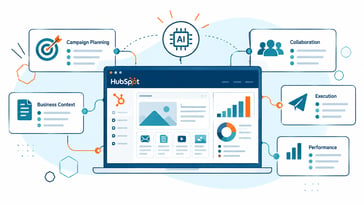
HubSpot Marketing Studio is an AI-powered campaign planning workspace designed to help marketing teams plan campaigns, create assets, collaborate and ...
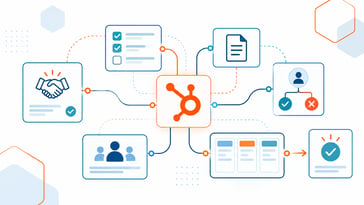
HubSpot Work is one of the Fall Spotlight releases we're watching because it addresses a familiar gap: what happens after CRM activity turns into oper...