
Swap Unused HubSpot Seats for Credits: What to Know Before You Make the Change

Your HubSpot subscription should support the way your team works today. But staffing changes, shifting responsibilities and new priorities can leave you paying for seats that nobody uses.
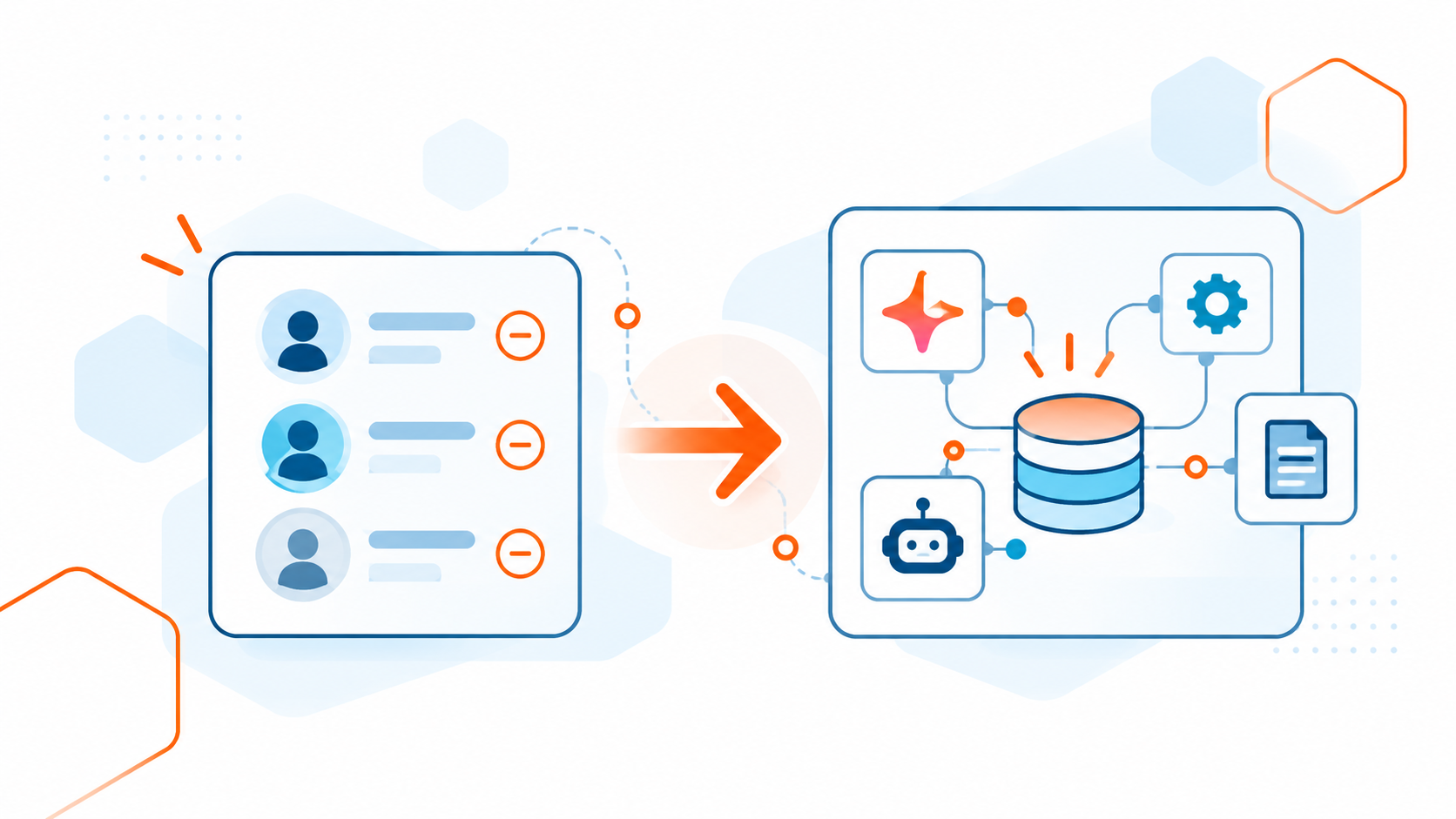
HubSpot lets Super Admins swap eligible, unassigned paid seats for HubSpot Credits during an existing contract, without waiting for renewal. The swap redirects existing seat spending toward credits rather than automatically lowering your bill. Once exchanged, HubSpot Credits cannot be converted back into seats.
Before making the exchange, review both your future seat needs and your expected credit usage. Primo Coding can help you assess whether a swap makes sense and understand what to check before completing it.
How Does Swapping HubSpot Seats for Credits Work?
Seat swapping lets you apply the value of unassigned paid HubSpot seats toward HubSpot Credits. You can also exchange them for another seat type within your subscription or split the value between seats and credits.
If your replacement seats cost more, you pay the difference. Any remaining value converts into credits, rounded up to the nearest credit pack.
The key limitation: HubSpot Credits cannot be swapped back into seats.
HubSpot explains the exchange rules in its seat management documentation.
Does Swapping Seats Lower Your HubSpot Bill?
Think of a swap as a way to redirect your existing budget.
You may have seats sitting unused while your team wants more capacity for AI features. A swap can help align that spending with your current needs, but it does not automatically create a subscription discount.
HubSpot introduced this flexibility so customers can move spending between seats and credits as business needs change, rather than waiting for renewal.
The practical question is whether the credits will deliver more value than keeping the seats available.
When Might a Swap Make Sense?
A seat review is especially useful after:
- An employee leaves or changes responsibilities.
- Your team reorganizes its sales or service processes.
- You discover purchased seats that were never assigned.
- You identify a useful AI application and want to evaluate its credit requirements.
An unused seat alone is not a reason to make the exchange. Consider upcoming hiring, planned projects and whether another employee will need that access.
Likewise, additional credits are most useful when you have a clear purpose for them. Start with the work you want to accomplish, then evaluate the capacity it requires.
Example: Redirecting Unassigned Sales Seats Toward Customer Agent
Imagine a company has two unassigned Sales Seats, no plans to hire additional salespeople during its current contract, and a Customer Agent that needs more monthly credit capacity.
Swapping those seats for HubSpot Credits could help the company put existing spending toward customer support. Before proceeding, the team should confirm that Customer Agent is available with its subscription, estimate its monthly credit usage, and compare that demand with the credits already included in the account.
The team should also review the actual exchange value and billing details shown at checkout. If its existing credits already cover the expected usage, additional credits may offer little benefit—especially because unused credits do not roll over.
What Can HubSpot Credits Support?
Depending on your subscription and feature availability, HubSpot Credits support capabilities such as Customer Agent, Prospecting Agent, Data Agent and certain Breeze workflow actions.
HubSpot Credits provide usage capacity; they do not replace the seat access or subscription required to use a feature. Users need an eligible paid seat or Partner Seat to use credits. Free users and users with View-only Seats cannot use HubSpot Credits.
Credits reset monthly, and unused credits do not roll over. Spending limits can also pause credit-consuming features when reached. Review your account’s usage, billing settings and applicable feature rates before deciding how much capacity you need.
HubSpot’s credit management documentation explains these controls.
Review Your Setup Before Swapping
At Primo Coding, we recommend looking at three areas together.
Your team’s access needs
Confirm which seats are assigned, which are available and which may be needed soon. Review what people actually do in HubSpot before changing their access.
A low login frequency does not necessarily mean someone no longer needs their seat.
Your expected credit usage
Identify the specific feature or agent you intend to use. Estimate how frequently it will perform work and compare that with your current usage and available credits.
If you are still evaluating an AI use case, define the business goal first. That makes it easier to judge whether additional credits would be useful.
Your automation and data
Review the processes that will drive usage. Unnecessary enrollments, duplicate records and overlapping automation can make a useful tool less efficient.
This is where technical guidance matters. A credit decision should reflect how your portal operates and what you want it to accomplish.
How to Swap Seats in HubSpot
A Super Admin can complete a seat swap directly within HubSpot:
- Open Account & Billing, then select the Overview or Subscriptions tab.
- Click Swap seats & Credits.
- Select the unassigned seats you want to exchange and enter the quantity.
- Click Choose what to get in return, then select HubSpot Credits, another available seat type, or a combination of both.
- Click Continue and review the seats being removed, replacement seats and credits being added, and any change in cost.
- Click Continue to checkout, review the billing details and terms, then click Complete Purchase.
You can also start from Settings → Users & Teams → Seats → Swap unassigned seats.
The new seats and credits become available immediately after checkout. Before confirming, make sure you will not need the exchanged seats for upcoming hires or changing responsibilities. Credits cannot be swapped back into seats.
If you are unsure which seats to exchange or how to evaluate the credits, reach out to Primo Coding before completing the swap.
Frequently Asked Questions
Can I swap unused HubSpot seats for credits?
HubSpot lets you exchange unassigned seats for HubSpot Credits through its seat-swapping feature. Review the available options in your account to confirm which seats you can exchange.
Will swapping seats for credits lower my HubSpot bill?
A swap redirects existing seat spending toward credits. It does not automatically reduce your subscription bill. The benefit depends on whether your business has more use for the credits than the unassigned seats.
Can I swap HubSpot Credits back into seats?
No. HubSpot Credits cannot be swapped back into seats. Review your upcoming hiring plans and access requirements before completing the exchange.
Who can complete a seat-to-credit swap?
A user with Super Admin access must complete the swap. You can find the option under Settings → Users & Teams → Seats → Swap unassigned seats.
Can I swap seats for a different seat type instead?
Yes. You can apply the value toward another seat type available within your subscription, or split it between seats and credits. If the replacement seats cost more, you pay the difference.
Do unused HubSpot Credits roll over?
No. Unused credits expire at the end of each monthly usage period. Consider how many credits you expect to use before exchanging seats for additional capacity.
Can Primo Coding help me decide whether to swap?
Yes. Primo Coding can help review your seat assignments, upcoming access needs and expected credit usage. We can also evaluate the automation and AI use cases behind that usage to help you determine whether a swap supports your goals.
Schedule a call with Primo Coding before making the exchange.
Get Guidance From Primo Coding
Primo Coding is a HubSpot Diamond Solutions Partner with experience across CRM architecture, automation, integrations and practical AI.
Through our HubSpot services, we can review your seat assignments, assess your team’s access requirements, and examine the workflows, data and integrations behind your intended use. Our AI services can help you identify practical agent and automation opportunities, estimate credit needs, and implement solutions that support your business goals.
Have unused HubSpot seats? Let’s review your options before you swap.
Need Help With Your HubSpot Portal?
Talk to our team about a structured architecture review.

Dawn Mathis
Dawn Mathis is CEO and Co-Founder of Primo Coding, a HubSpot Diamond Solutions Partner. A software developer since 1996, Dawn has worked in HubSpot since 2013 and has helped businesses solve technical challenges across CRM, websites, integrations, automation and custom development. Primo Coding has worked across 583 HubSpot portals.